Log in to your Google account and access the service
https://analytics.google.com/analytics/web/provision
Click on “Start measuring”.
Create your account.
Create a property.
Describe your business.
Choose your business objectives.
Accept “Google Analytics Terms of Service Agreement”.
Choose a platform: choose “web”.
Set up data stream. Input the URL of your website.
Copy and paste the generated Google tag in /themes/clean-blog/layout/_partial/head.ejs
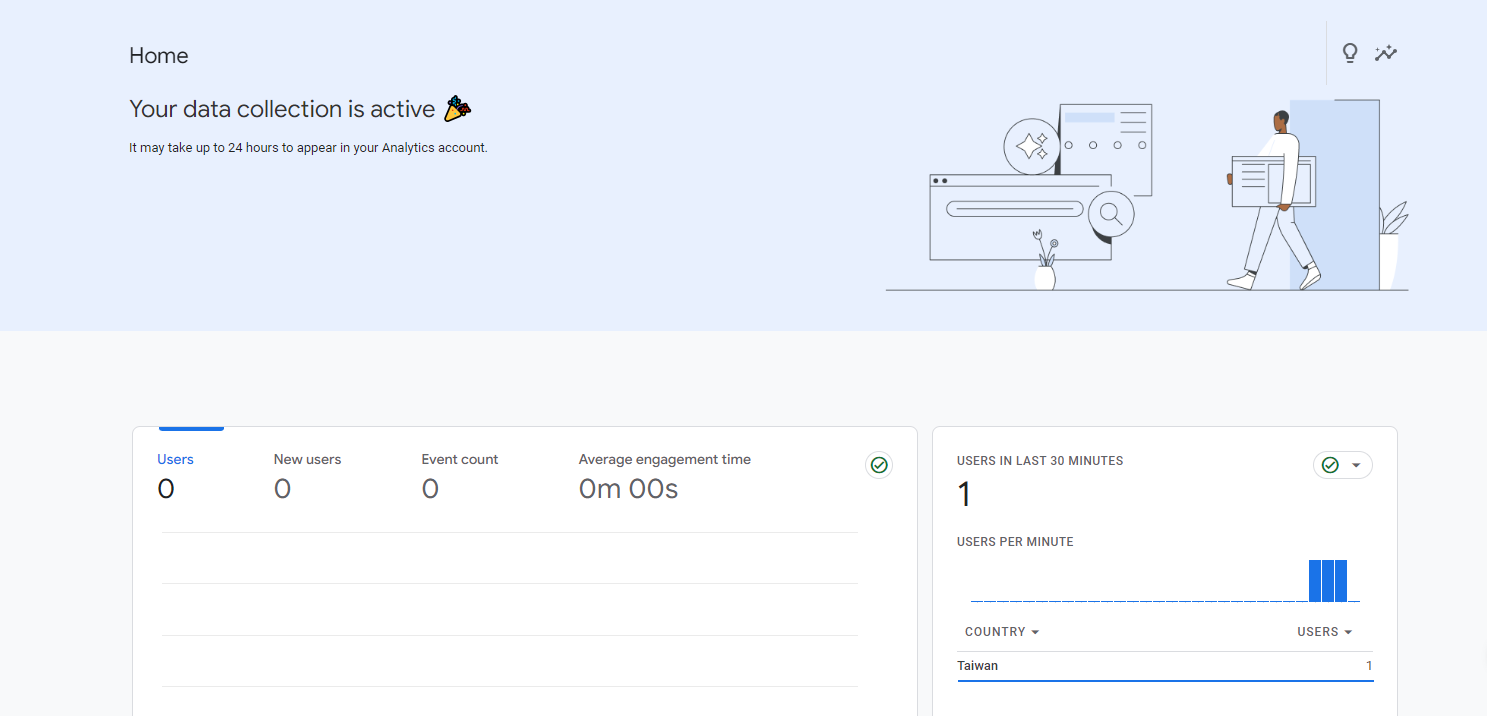
Check the information on https://analytics.google.com/analytics/web.
You will be able to see the website traffic in a short while.